

Esper vs. Samsung Knox
Esper’s Next-Gen Device Management Solution Beats Samsung Knox in All the Ways That Matter
Esper is the answer if you’re looking for big company features with a small company feel. We offer the custom solutions, dedicated support, seamless integration, and robust infrastructure needed to keep your business moving forward. Give us a try and discover why Esper is the best Samsung Knox alternative.
Esper
For all your company-managed hardware
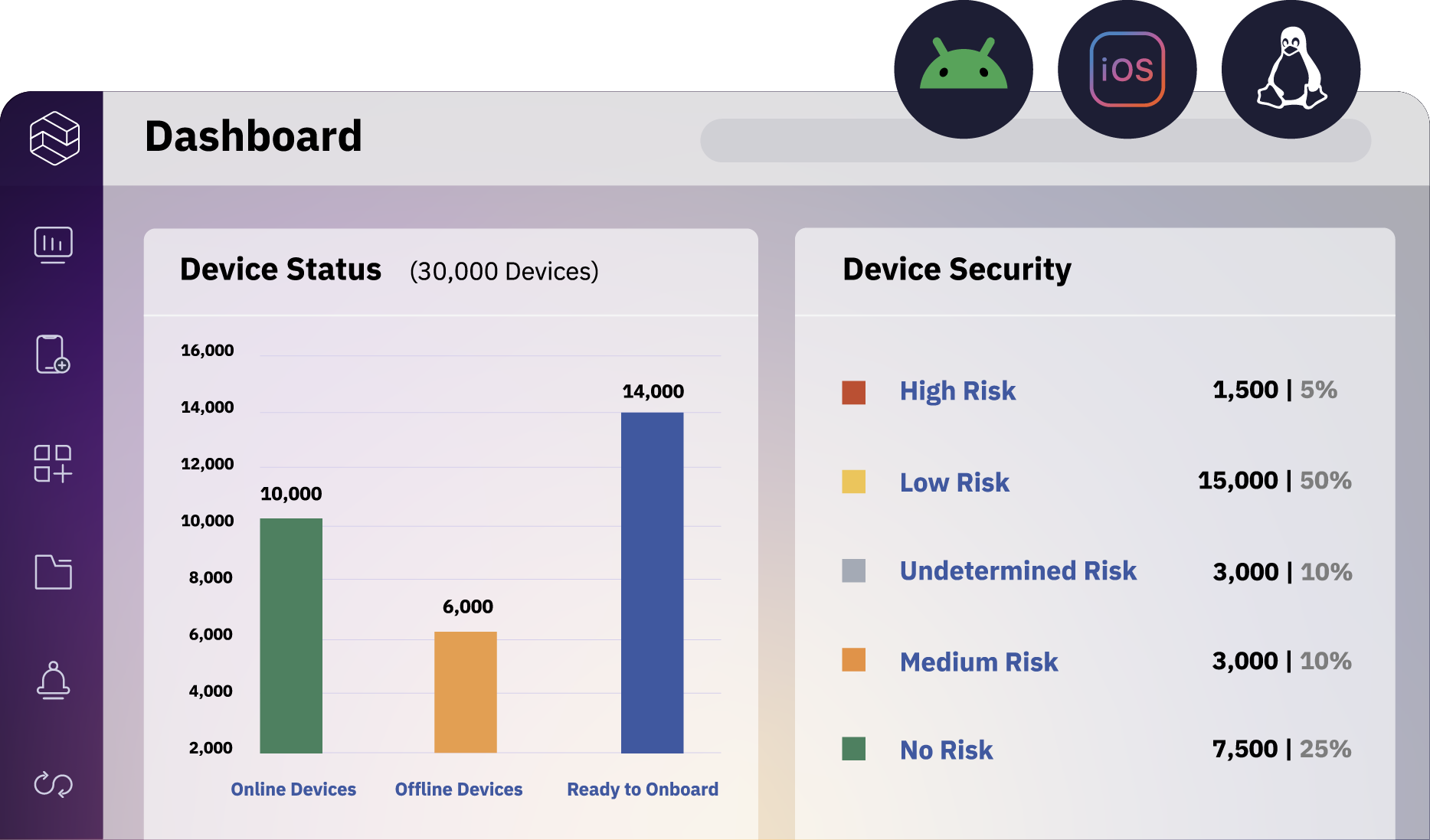
Esper is device-agnostic, enabling you to manage your entire fleet from the same place, with the same tools, at the same time. Now that's easy.
Your partner from day one
Esper’s customer support and success teams will be by your side throughout the entire onboarding process at no additional cost. It’s just the way things should be.
All your apps, your way
With Esper, you can distribute final app versions through Google Play, the Apple App Store, or Esper Cloud. It’s the flexibility you need to support your use case with confidence.
Robust, reliable support
Esper is all about our customers, and that shows in our interactions. Our support is second to none, and our willingness to go above and beyond is unmatched.
Advanced remote tooling
Esper’s secure remote viewer plugin allows you to control any device in your fleet remotely, right in the console. Say goodbye to onsite troubleshooting and hello to happier users.
Samsung Knox
For Samsung devices only
The Knox platform is device management built by a hardware company. Optimized for its own devices, critical features are often unsupported on non-Samsung devices. Don’t get locked in.
Upcharges basic support
Expecting onboarding tools and instructions? Not with Knox. Setting up the main portal can be tricky, and onboarding support can cost you extra.
Rudimentary and restricted app tools
Knox has limited support for apps outside its AppStack ecosystem. Visibility into app updates is limited, and many purpose-built apps are simply not available.
Shaky customer service
Support for the Knox platform is outsourced by Samsung. Getting in touch can be difficult, and smaller accounts can anticipate glacial response times.
Rusty remote capabilities
Knox’s basic remote tools don’t allow users to switch from Kiosk to Multi-asset Mode, which limits your ability to make adjustments or troubleshoot offsite.
What Esper Customers Have to Say

Their documentation and user guide are simple yet comprehensive. Their tech support is responsive. They have an extensive knowledge base on their product. They have API integrations for developers as well, not many MDM software have this.

Before Esper, each tablet took around 30 minutes of focused effort and about 1.5 hours total to set up. With Esper, the initial setup work takes under 5 minutes, the tablets can be left to configure and update themselves. This has saved us DAYS of work time and improved both safety and reliability.
Their documentation and user guide are simple yet comprehensive. Their tech support is responsive. They have an extensive knowledge base on their product. They have API integrations for developers as well, not many MDM software have this.
GET STARTED
Ready to Switch from Samsung Knox to an MDM That’s as Agile as You?
Esper is the next-gen device management solution for Android and iOS devices that specializes in company-owned and managed kiosks, tablets, smartphones, IoT edge devices, and more. Give us 30 days, and we’ll show you what you’re missing out on.